|
Getting your Trinity Audio player ready...
|
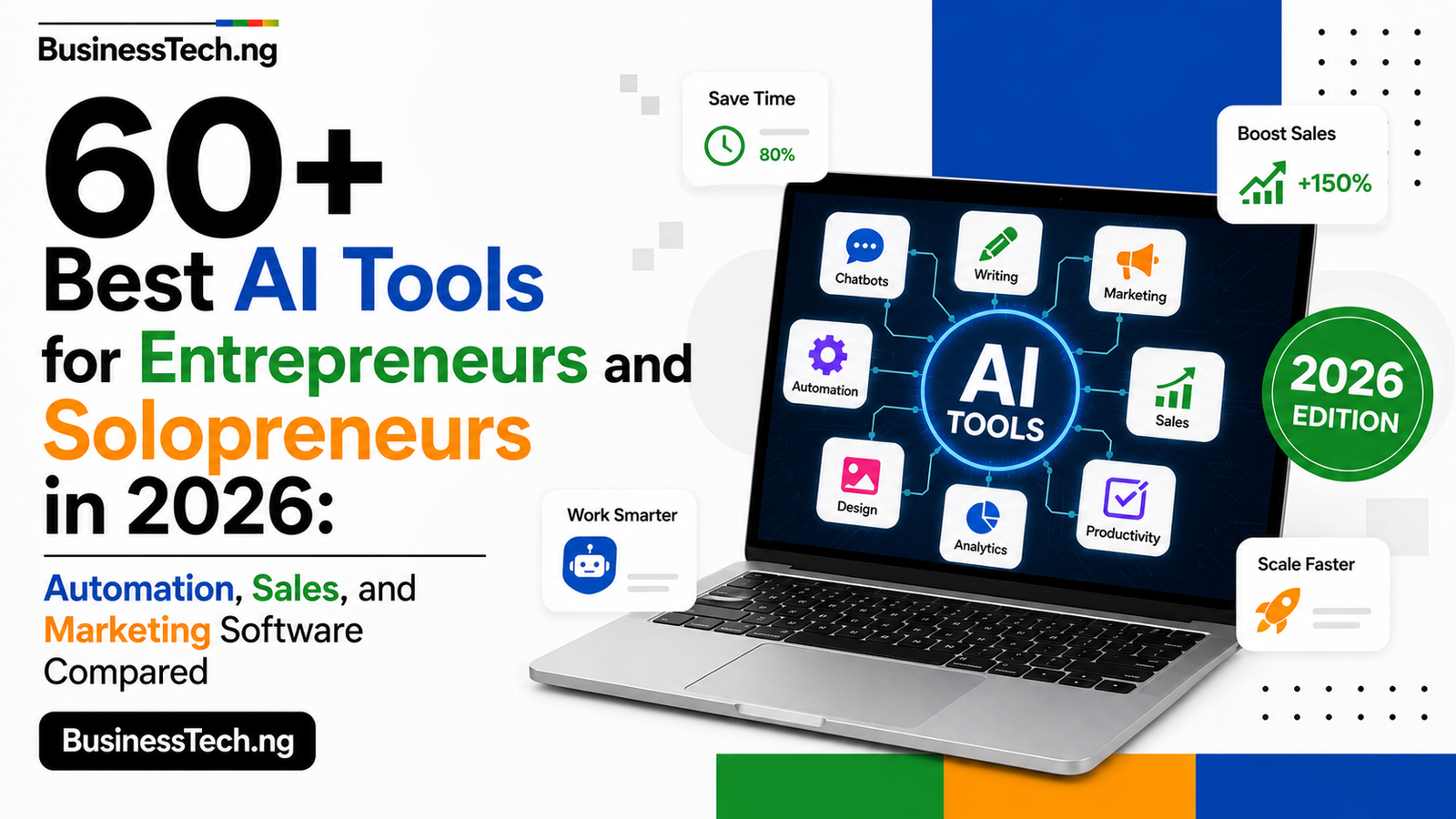
60+ Best AI Tools for Entrepreneurs and Solopreneurs in 2026: Automation, Sales, and Marketing Software Compared
Running a business alone means you are the marketer, the salesperson, the accountant, the writer, and the customer support team, often before lunch. The gap between what a solopreneur can accomplish and what a fully staffed company can accomplish has never been smaller, and AI is the main reason why. A single founder in 2026 can draft a content calendar, chase leads, send professional invoices, edit a podcast, and answer customer questions overnight, all without hiring a single person. The tools that make this possible are scattered across dozens of categories and hundreds of competing options, which is exactly why most “best AI tools” lists either overwhelm solopreneurs with enterprise software they will never use or underwhelm them with the same five overexposed names repeated everywhere.
This guide takes a different approach. Every tool below was chosen because it fits the reality of running a business alone or with a very small team: a free tier that is actually usable, pricing that scales with revenue rather than headcount, and a setup time measured in minutes rather than weeks. Entrepreneurs and solopreneurs do not have an IT department to configure enterprise software or a training budget to onboard a team onto a complex platform, so every tool here was filtered for that constraint first. You will find general AI assistants, writing and content tools, design and video tools, scheduling and automation platforms, sales and email marketing software, and the invoicing and client management tools that keep a one-person operation running professionally.
The temptation with a list this long is to try everything at once, which is precisely the mistake that burns out solo founders faster than the workload itself. The smarter path is to identify your single biggest time drain this month, whether that is writing, scheduling, invoicing, or chasing leads, and pick one tool from the matching category below. Master it, measure whether it actually freed up time, and only then move to the next bottleneck. The comparison table groups every tool by function so you can jump straight to the category solving your current problem instead of scrolling through sixty entries that do not apply to you yet.
The Full List: 60+ Best AI Tools for Entrepreneurs and Solopreneurs
| # | Tool | Category | What It Actually Does | Official Link |
|---|---|---|---|---|
| 1 | ChatGPT | General AI assistant | Drafting, brainstorming, research, and quick decision support | https://chatgpt.com |
| 2 | Claude | General AI assistant | Strong at long documents, business planning, and nuanced writing | https://claude.ai |
| 3 | Gemini | General AI assistant | Google’s AI built into Gmail, Docs, and Sheets | https://gemini.google.com |
| 4 | Perplexity | Research | Cited, source-backed answers for fast market and competitor research | https://www.perplexity.ai |
| 5 | Storyflow | All-in-one business AI | Holds brand, marketing plan, and customer persona on one AI-readable canvas | https://storyflow.so |
| 6 | Notion AI | Productivity | Notes, meeting summaries, and knowledge search inside one workspace | https://www.notion.so/product/ai |
| 7 | Taskade | Productivity | AI workspace combining tasks, docs, and automation for solo operators | https://www.taskade.com |
| 8 | Motion | Scheduling | AI calendar that automatically plans your day around deadlines | https://www.usemotion.com |
| 9 | Reclaim.ai | Scheduling | Protects focus time and reorganizes your calendar as priorities shift | https://reclaim.ai |
| 10 | Calendly | Scheduling | Removes the back-and-forth of booking calls with clients | https://calendly.com |
| 11 | Fathom | Meetings | Free AI meeting notes and highlight reels from video calls | https://fathom.video |
| 12 | Fireflies.ai | Meetings | Records, transcribes, and summarizes meetings automatically | https://fireflies.ai |
| 13 | Otter.ai | Meetings | Live transcription with searchable notes and action items | https://otter.ai |
| 14 | Loom | Async communication | Records quick video updates with AI-generated summaries and transcripts | https://www.loom.com |
| 15 | Zapier | Automation | Connects apps and automates workflows described in plain English | https://zapier.com |
| 16 | Make | Automation | Visual automation builder for more complex multi-step workflows | https://www.make.com |
| 17 | n8n | Automation | Open-source automation with deep customization for technical solopreneurs | https://n8n.io |
| 18 | Writesonic | Content writing | Fast first drafts for blog posts, ads, and email at volume | https://writesonic.com |
| 19 | Jasper | Content writing | AI copywriting built around a consistent brand voice | https://www.jasper.ai |
| 20 | Copy.ai | Content writing | Generates marketing copy, product descriptions, and email sequences | https://www.copy.ai |
| 21 | Koala AI | Content writing | AI blog writing built specifically for SEO-driven content sites | https://koala.sh |
| 22 | QuillBot | Writing quality | Rewrites, summarizes, and checks grammar from one dashboard | https://quillbot.com |
| 23 | Grammarly | Writing quality | Grammar, tone, and clarity checks across everything you write | https://www.grammarly.com |
| 24 | Hemingway Editor | Writing quality | Flags overly complex sentences to keep content readable | https://hemingwayapp.com |
| 25 | Frase | SEO content | Builds AI content briefs based on what is already ranking | https://www.frase.io |
| 26 | Surfer SEO | SEO content | Scores content against top-ranking competitor pages | https://surferseo.com |
| 27 | Originality.ai | Content verification | Detects AI-generated text and checks plagiarism before publishing | https://originality.ai |
| 28 | Canva Magic Studio | Design | AI design tools for social graphics, decks, and marketing assets | https://www.canva.com/magic-studio |
| 29 | Looka | Branding | AI logo and brand identity generator for new businesses | https://looka.com |
| 30 | Gamma | Presentations | Turns a text prompt into a polished presentation or landing page | https://gamma.app |
| 31 | Beautiful.ai | Presentations | Auto-formats slides as you build for consistent, fast decks | https://www.beautiful.ai |
| 32 | Descript | Video and audio | Edits video and podcasts by editing a text transcript | https://www.descript.com |
| 33 | Synthesia | Video | Generates AI avatar videos for training or marketing without a camera | https://www.synthesia.io |
| 34 | ElevenLabs | Audio | Realistic AI voice generation for ads and voiceovers | https://elevenlabs.io |
| 35 | Runway | Video | AI video generation and editing for short-form marketing content | https://runwayml.com |
| 36 | Pictory | Video | Turns blog posts or scripts into short repurposed videos | https://pictory.ai |
| 37 | Buffer | Social media | AI-assisted post drafting and scheduling across platforms | https://buffer.com |
| 38 | Later | Social media | Visual content calendar with AI caption suggestions | https://later.com |
| 39 | Metricool | Social media | Scheduling and analytics in one dashboard for solo marketers | https://metricool.com |
| 40 | Tailwind | Social media | AI-assisted scheduling built for Pinterest and Instagram | https://www.tailwindapp.com |
| 41 | Hootsuite | Social media | AI caption generation and best-time-to-post recommendations | https://www.hootsuite.com |
| 42 | ManyChat | Chat automation | Automates Instagram and Facebook DM conversations and lead capture | https://manychat.com |
| 43 | Chatfuel | Chat automation | No-code chatbot builder for Messenger and WhatsApp | https://chatfuel.com |
| 44 | Tidio (Lyro AI) | Customer support | AI chatbot that resolves common questions from your existing FAQ | https://www.tidio.com |
| 45 | Crisp | Customer support | AI chatbot and shared inbox sized for small operations | https://crisp.chat |
| 46 | Intercom Fin | Customer support | AI support agent that resolves tickets without human handoff | https://www.intercom.com/fin |
| 47 | Mailchimp | Email marketing | AI-assisted email campaigns and audience segmentation | https://mailchimp.com |
| 48 | Kit (formerly ConvertKit) | Email marketing | Email marketing built specifically for creators and solo businesses | https://kit.com |
| 49 | MailerLite | Email marketing | Affordable AI-assisted email campaigns for small lists | https://www.mailerlite.com |
| 50 | ActiveCampaign | Email and CRM | Combines email marketing with light AI-driven CRM automation | https://www.activecampaign.com |
| 51 | Beehiiv | Newsletter | Newsletter platform with built-in growth and monetization tools | https://www.beehiiv.com |
| 52 | Systeme.io | All-in-one marketing | Funnels, email, and course hosting in one affordable platform | https://systeme.io |
| 53 | HubSpot (Free CRM) | Sales and CRM | Free CRM with AI-assisted lead tracking for growing pipelines | https://www.hubspot.com/products/crm |
| 54 | Apollo.io | Sales prospecting | AI-assisted outbound prospecting and contact data | https://www.apollo.io |
| 55 | Bonsai | Client management | AI-assisted proposals, contracts, and invoicing built for freelancers | https://www.hellobonsai.com |
| 56 | HoneyBook | Client management | Manages leads, contracts, and payments in one client pipeline | https://www.honeybook.com |
| 57 | Dubsado | Client management | Automates client onboarding, invoicing, and follow-up | https://www.dubsado.com |
| 58 | Wave | Accounting | Free invoicing and accounting built for very small businesses | https://www.waveapps.com |
| 59 | FreshBooks | Accounting | AI-assisted invoicing and expense tracking for solo businesses | https://www.freshbooks.com |
| 60 | Zoho Invoice | Accounting | Free invoicing tool with automated payment reminders | https://www.zoho.com/invoice |
| 61 | Gumroad | Digital products | Sells digital products and courses with minimal setup | https://gumroad.com |
| 62 | Podia | Digital products | Hosts courses, memberships, and digital downloads in one platform | https://www.podia.com |
| 63 | Typeform | Forms and surveys | AI-assisted forms for client intake and lead qualification | https://www.typeform.com |
Tools Worth a Second Look
A few entries on this list get overlooked simply because they sit outside the usual “AI tools” conversation. Fathom rarely gets mentioned next to Fireflies or Otter, yet it offers a genuinely free AI meeting notetaker with highlight reels, which matters when every dollar of a solopreneur’s budget is doing double duty. Storyflow is a newer entrant that solves a very specific solo-founder problem: keeping brand voice, marketing plan, and customer persona connected so an AI assistant does not treat every request as a blank slate.
Bonsai, HoneyBook, and Dubsado deserve more attention than they typically get in AI tool roundups because they are not flashy, but they automate the unglamorous backbone of a service-based solo business: proposals, contracts, and invoice follow-up. A freelancer who automates that layer alone often recovers several hours a week that used to disappear into administrative back-and-forth with clients.
Building a Stack You Can Actually Afford
The biggest mistake solopreneurs make with AI tools is stacking too many subscriptions before any single one has proven its value. A more realistic path looks like this.
- Start free: ChatGPT or Claude, Canva, Fathom, and Kit all have real free tiers capable of running a business, not just a trial. Begin here before spending anything.
- Add automation once you feel the pain: Zapier or n8n only earns its place once you notice yourself repeating the same manual task across two or more apps every week.
- Add client management when you have paying clients: Bonsai, HoneyBook, or Dubsado become worth the monthly fee once you are juggling more than two or three active client relationships at once.
- Add paid content tools once output volume matters: Jasper, Surfer SEO, or Frase make sense once content is a measurable part of revenue, not before.
A realistic paid stack for a working solopreneur usually lands between fifty and one hundred dollars a month once a handful of tools have earned a permanent seat. Add each one deliberately, and cancel anything you have not opened in the last thirty days.
A Note on the Headline and Keyword Strategy
This headline keeps the structure that has worked across the earlier articles in this series: a specific number, the year, and the outcome-driven terms “automation,” “sales,” and “marketing software” that describe what solopreneurs are actually trying to solve rather than the tools themselves. Adding both “entrepreneurs” and “solopreneurs” widens the audience without diluting the search intent, since the two terms are frequently searched together and cover slightly different but overlapping readers: a solo consultant and a two-person startup founder are both searching for very similar tools.
Frequently Asked Questions
What are the best free AI tools for a solopreneur just starting out? ChatGPT or Claude for writing and planning, Canva for design, Fathom for meeting notes, and Kit for email marketing all have free tiers strong enough to run a real business before any paid upgrade becomes necessary.
How many AI tools does a solopreneur actually need? Most working solopreneurs rely on three to five tools daily rather than dozens. The rest of a long list like this one is situational, meant to be added only when a specific bottleneck appears.
What is the difference between tools built for entrepreneurs and tools built for enterprise businesses? Entrepreneur-focused tools price by usage rather than seat count, set up in minutes without a technical team, and generally offer a free tier robust enough for real use, while enterprise tools assume dedicated staff and larger budgets.
Can AI tools really replace hiring a virtual assistant? AI tools can absorb a large share of repetitive work like scheduling, meeting notes, email drafting, and invoice follow-up, but judgment-heavy tasks like client relationship management and strategic decisions still benefit from human involvement as the business grows.
Which AI tool is best for a freelancer managing multiple clients? Bonsai, HoneyBook, and Dubsado are built specifically for this, combining proposals, contracts, and invoicing into one pipeline so nothing falls through the cracks between clients.
Is it worth paying for AI writing tools if I can already use ChatGPT for free? Purpose-built tools like Jasper or Copy.ai add brand voice consistency and marketing-specific templates that a general assistant does not automatically apply, which becomes valuable once content output scales beyond occasional posts.
What is the most affordable way to automate a one-person business? Start with Zapier’s free tier, which covers a surprising number of simple automations before any paid plan becomes necessary, and only move to Make or n8n once workflows become genuinely complex.
Do solopreneurs need separate tools for invoicing and accounting, or can one tool do both? Wave, FreshBooks, and Zoho Invoice all combine basic invoicing and accounting in one free or low-cost platform, which covers most solopreneurs until the business grows complex enough to need a dedicated accountant.
How do I choose between similar tools, like Buffer versus Later versus Hootsuite for social media? The differences usually come down to which platforms you post on most and your budget, since all three offer AI-assisted scheduling. Trial the free tier of each for two weeks and keep whichever fits your actual posting habits rather than picking based on features you will not use.
How often should this list of AI tools be updated? Given how quickly pricing and free-tier limits shift in this category, a quarterly check and a full annual update keep the list trustworthy, since a tool’s free plan today can change within months.
Conclusion
The solopreneurs and entrepreneurs winning in 2026 are not running the biggest tool stack. They are running the smallest one that actually works, chosen deliberately around the tasks that used to eat their week before AI existed to handle them. Every tool on this list earns its place by solving one real problem, whether that is a proposal that used to take an hour now taking five minutes, a content calendar that used to require a freelancer now drafted in an afternoon, or a customer question that used to interrupt dinner now answered automatically. Pick the single tool from this list that matches your biggest current bottleneck, give it thirty days, and only then decide what comes next. That patient, one-tool-at-a-time approach will get you further than trying to build the perfect stack on day one.