|
Getting your Trinity Audio player ready...
|
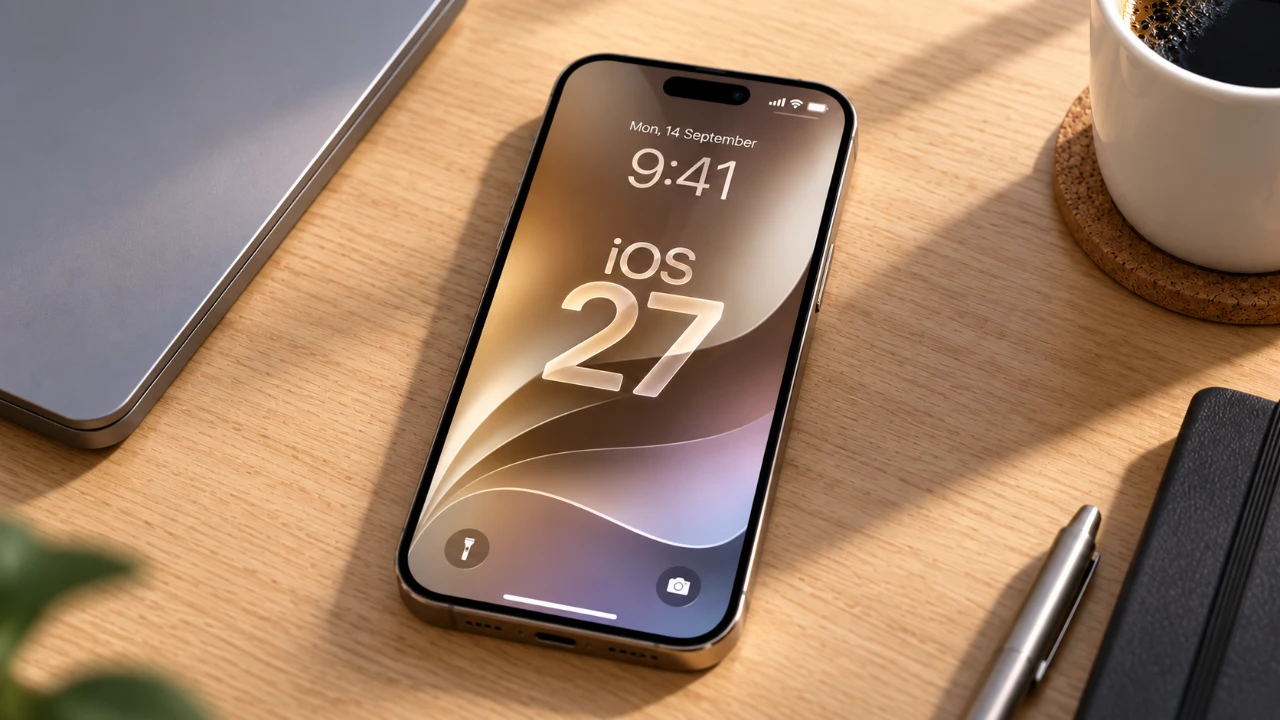
A software glitch in Apple’s newly released iOS 27 is spreading across social media as an accidental prank, leaving iPhone screens frozen and unresponsive after nothing more than two quick swipes. The bug surfaced within days of iOS 27’s September 14 public release and has since been confirmed across multiple devices, including the iPhone 17 Pro Max, adding to a growing list of early software hiccups that have followed Apple’s latest operating system rollout.
The trigger itself is almost absurdly simple to reproduce. Starting from the Home Screen, swiping down from the top-left corner opens Notification Center. Before that animation finishes, swiping down from the top-right corner to open Control Center and then dismissing it can leave the phone in what several outlets have described as a software soft-lock. Once the bug takes hold, buttons and icons for Camera and Torch remain visibly stuck at the top of the display, swiping between Home Screen pages stops working entirely, taps fail to register properly, and even the on-screen power-off slider becomes unresponsive to touch.
Engadget was among the first outlets to report on the issue, noting that the glitch does not permanently damage the device and can be resolved with a standard force restart. Tech writer Benjamin Mayo independently reproduced the freeze on an iPhone Air running iOS 27.0, according to Technology.org, and the same report indicated the bug persisted through at least the first iOS 27.2 beta build, the same beta that introduced Apple’s redesigned Health app to testers, suggesting the issue had not yet been addressed internally even as Apple continued rolling out other feature updates. A Reddit thread cited in the same reporting indicated the glitch remained present in beta builds all the way through the Release Candidate stage before iOS 27’s public launch, meaning the bug likely shipped to millions of devices despite Apple’s pre-release testing process.
Because the frozen screen makes the normal power-off slider unusable, fixing the issue requires a specific sequence of physical button presses rather than any on-screen interaction. According to Apple’s own documented force restart procedure, cited consistently across PhoneArena, IntoMobile and BigGo Finance’s reporting on the bug, the fix involves three steps: quickly press and release the volume up button, then quickly press and release the volume down button, and finally press and hold the side button until the Apple logo appears on screen. Several outlets specifically cautioned that the final step can take longer than expected, with the side button sometimes needing to be held for more than 10 seconds before the Apple logo shows up, and warned against releasing the button prematurely just because the screen has not yet changed.
The force restart works because it clears the device’s RAM and forcibly closes whatever background processes triggered the freeze in the first place, a troubleshooting step that functions as a reliable first move for nearly any unresponsive electronic device, not just iPhones specifically. Importantly, the glitch affects only the phone’s software interface rather than its underlying hardware or stored data, meaning photos, apps and other personal content remain completely unaffected by the freeze, and a successful restart returns the device to full normal functionality within moments.
What has turned a fairly obscure software bug into a viral moment is how easy it is for one person to trigger the freeze on someone else’s phone without their knowledge, transforming what began as an accidental discovery into a deliberate prank spreading rapidly across social platforms. Multiple outlets, including PhoneArena, drew comparisons to earlier iOS mischief, including the notorious 2015 “text bomb” messages that could crash an iPhone’s messaging app and, in some cases, trigger a repeated crash loop when a malicious sender exploited a formatting bug in how iOS rendered certain characters. The current freeze bug follows a similar pattern of an unintended software flaw becoming a tool for pranking friends and family, though the fix this time around is considerably simpler and requires no specialized knowledge beyond memorizing the three-step button sequence.
Reports on which specific iPhone models are affected remain somewhat inconsistent across different testing efforts. While Mayo’s initial testing confirmed the bug on an iPhone Air, BigGo Finance’s reporting noted the scope of affected models and the overall number of impacted users remains unclear, with some outlets stating the issue appears to reproduce broadly across devices running iOS 27 rather than being limited to any single model. Given that the iPhone 17 Pro Max shares the same underlying iOS 27 software as every other current-generation iPhone, its susceptibility to the same interface-level freeze is consistent with how the bug has been described affecting the operating system broadly rather than targeting specific hardware.
Apple has not publicly acknowledged this specific gesture-triggered freeze bug in any official capacity, and none of the reporting reviewed indicates a confirmed timeline for a permanent software patch. The company’s general support documentation covers force restart procedures for unresponsive devices broadly but does not reference this particular glitch by name. Historically, Apple has moved relatively quickly to patch soft-lock issues like this one once they gain widespread attention, typically addressing them in a subsequent point release rather than requiring a major version update, though users experiencing the freeze in the meantime will need to rely on the manual force restart sequence until an official fix arrives.
For now, the safest approach for iPhone 17 Pro Max owners and anyone else running iOS 27 is simply avoiding rapid, back-to-back swipes between Notification Center and Control Center until Apple issues a patch, while keeping the force restart sequence memorized in case the freeze does occur. Given how quickly the glitch has spread as a social media trend, and how many outlets have now independently documented and confirmed it, pressure on Apple to address the issue in an upcoming iOS 27 point release appears likely to build in the coming weeks. Continuing coverage of iOS updates and smartphone software issues is available on Business Tech. Apple’s official force restart instructions are available through the company’s support site, and additional detail on the bug’s discovery can be found through Engadget’s original reporting.